
Dear Proxy, do you remember the quiet thrill of a pre-download? I do. As a first-person account from a Proxy who has been exploring New Eridu since the early days, I can tell you that Version 1.1's pre-download was a small but meaningful moment. In 2026, with the game having grown through many updates, I still find it useful to revisit how HoYoverse handled that rollout. The official notice began with a simple greeting—'Dear Proxy'—and then delivered practical instructions. It was not just about downloading files; it was about preparing for a new chapter. Why does that matter? Because in a live-service game, every update is a shared event, and pre-downloading is the quiet before the storm.
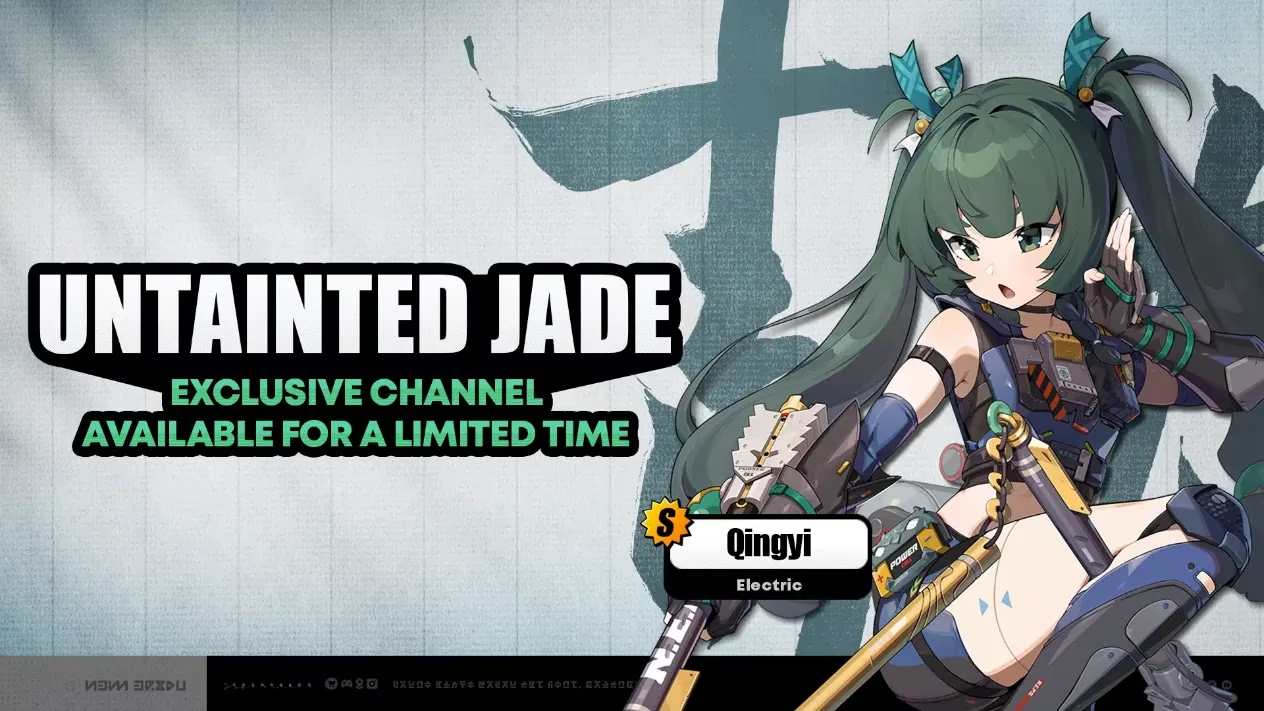
Pre-Download Details: Size, Space, and Strategy
According to the notice, Version 1.1 was available for pre-download before maintenance. The file sizes were substantial. For PC, the pre-download file was about 12 GB. For mobile, both Android and iOS, it was about 8 GB. Those numbers might sound familiar to modern players, but in 2024 they were a reminder that New Eridu's audiovisual polish came at a cost. The notice warned Proxies to ensure sufficient device space and to download using Wi-Fi. It also noted that installed Voice Pack(s) would affect required space. I remember checking my storage twice—did I really need every voice pack? Maybe not, but I kept them.
| Platform | Pre-Download Size | Notes |
|---|---|---|
| PC | ~12 GB | Can continue playing during pre-download |
| Mobile (Android/iOS) | ~8 GB | Cannot play during pre-download |
How to Pre-Download: PC and Mobile
On PC, the process was straightforward. I opened the HoYoPlay Launcher, and a 'Pre-Download' icon appeared next to the 'Start Game' button. Clicking it began the download. The best part? PC users could continue playing the game during the pre-download. That flexibility was a luxury. On mobile, the situation was different. I opened the game and tapped the 'Pre-Download Resources' icon in the bottom-right corner. But mobile users could not play the game during the pre-download. So I had to plan my time accordingly. Was it annoying? A little. Was it worth it? Absolutely, because when maintenance ended, I could jump in faster.
Version Update Maintenance and Compensation
HoYoverse scheduled version update maintenance for 2024/08/14 06:00:00 (UTC+8), estimating it would take five hours. During that window, no one could log in. I remember waiting, refreshing social media, and wondering what new gameplay, optimizations, and bug fixes would arrive. The notice promised future details, but it did confirm compensation: Polychrome ×300. Eligibility was for Proxies who were level 4 or above before 2024/08/14 06:00:00 (UTC+8). The compensation would be issued via in-game mail after the update, and the claim deadline was before the end of Version 1.1. That was a classic HoYoverse move: reward patience with Polychromes. Who would say no to free pulls?
How to Update After Maintenance
Once maintenance started, Proxies could follow in-game instructions. On PC, I exited the game, restarted, and selected update. On Android, I entered the game and followed the pop-up instructions. On iOS, I went to the App Store and selected update. On PS5, I opened the home screen, highlighted Zenless Zone Zero, pressed the Options button on my controller, and selected Check for Update. Each platform had its own rhythm, but the goal was the same: get back to New Eridu.
| Platform | Update Method |
|---|---|
| PC | Exit game, restart, select update |
| Android | Enter game, follow pop-up instructions |
| iOS | Go to App Store, select update |
| PS5 | Home screen > Highlight Zenless Zone Zero > Options > Check for Update |
Why This Still Matters in 2026
Now, in 2026, pre-downloads are even more common, and file sizes have only grown. But the Version 1.1 notice remains a useful snapshot. It shows how HoYoverse communicates with its community: clear steps, platform-specific instructions, compensation for downtime, and a gentle reminder to use Wi-Fi. As a Proxy, I appreciate that transparency. It turns a technical process into part of the adventure. So, next time an update looms, ask yourself: have I cleared enough space? Have I planned my pre-download? And most importantly, have I claimed my Polychromes? Because in New Eridu, every second counts—and every Polychrome helps.