
If you're trying to figure out how to download Zenless Zone Zero PC the right way, the good news is that the process is pretty straightforward once you know which launcher to use and what to expect. As of 2026, ZZZ is well into its Version 2.x cycle, which means regular updates, bigger content drops, and a client that takes up a lot more space than many first-time players expect. This guide walks you through the fastest PC install route, the HoYoPlay and Epic options, login setup, and the common issues that tend to slow people down.
How to Download Zenless Zone Zero PC
Official Website Download Route
The safest place to start is the official HoYoverse site: zenless.hoyoverse.com. Once you're on the homepage, hit the Download button and you'll usually see two PC options: the HoYoPlay launcher and the Epic Games Store route. Both give you the same Zenless Zone Zero client and both use the same HoYoverse account system, so your choice mostly comes down to whether you want a dedicated launcher or prefer keeping things inside Epic.
If you want the least complicated answer to how to download Zenless Zone Zero PC, HoYoPlay is usually the better pick. The initial installer is small — around 172 MB — and once it opens, it handles the full game download, which sits at roughly 67 GB. One thing you really should not do is grab the installer from random mirrors or third-party download sites. ZZZ uses anti-cheat, and unofficial packages are a common source of broken files or bundled malware.

HoYoPlay Install Flow
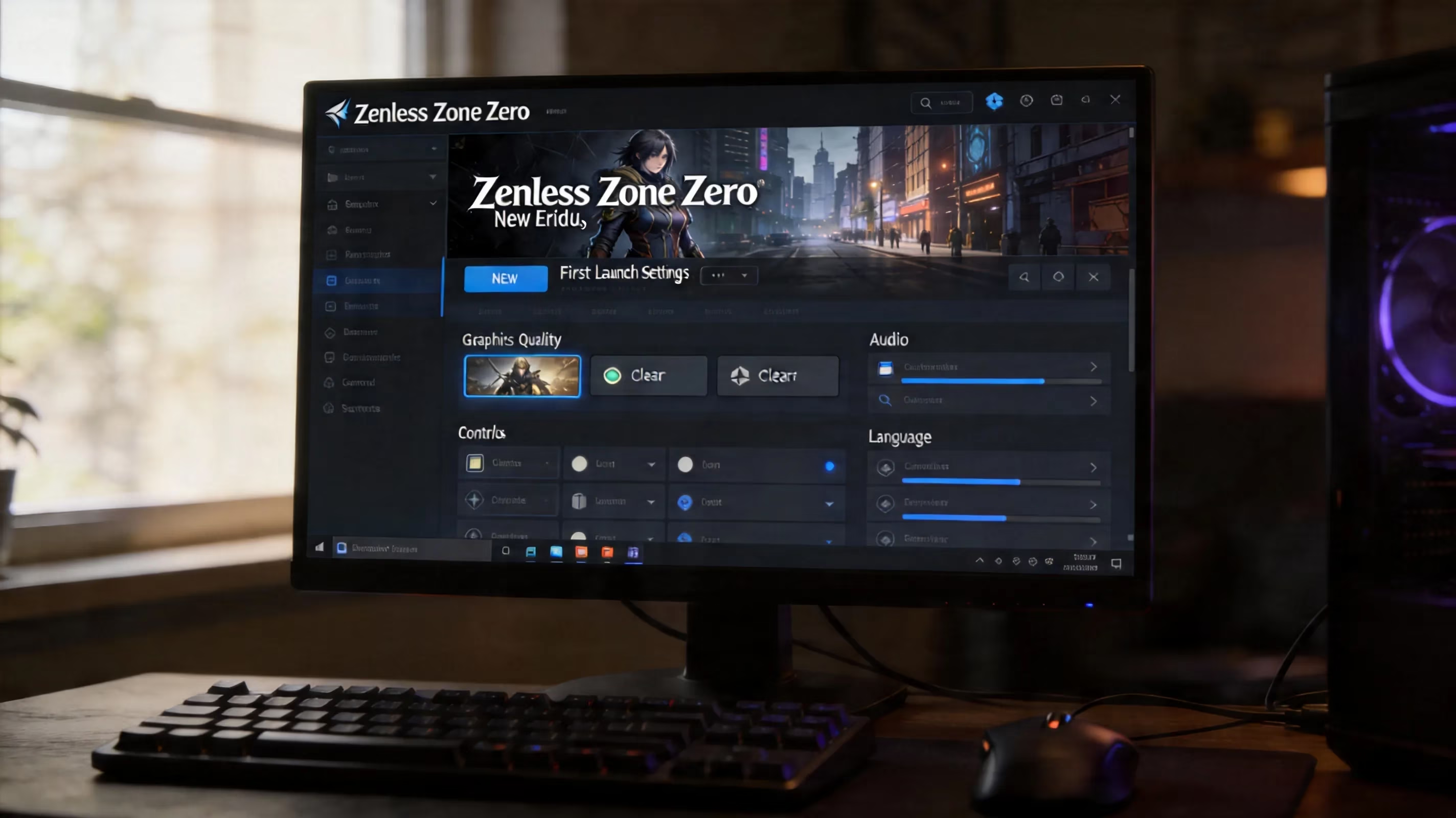
HoYoPlay is HoYoverse's all-in-one launcher for games like Genshin Impact, Honkai: Star Rail, and Zenless Zone Zero. After you run the installer and pick an install path, the launcher starts preparing the full client download automatically. You can also set a download speed cap in the settings if you don't want it eating your whole connection.
Once the files finish downloading and the launcher completes its verification pass, the Start Game button unlocks. That's it — there isn't a separate extra patch step for a fresh install. HoYoPlay also handles pre-install packages before major version updates, which matters a lot once you start keeping up with new patches.
Epic Games Store Route
If Epic is already where you manage most of your PC games, you can search for Zenless Zone Zero directly in the store or go through store.epicgames.com. Clicking Get adds the game to your library and starts the install through the Epic launcher. The important detail here is that your actual game progress is still tied to a HoYoverse account, not your Epic account.
So yes, Epic works fine as a download method, but it doesn't replace HoYoverse's own account system. Patch timing and overall client size are basically the same as the HoYoPlay version.
Keeping the Download Safe
No matter which route you choose, make sure the files are coming from hoyoplay.hoyoverse.com or the official Epic store listing. That's the safest way to download ZZZ on PC without running into fake installers or modified clients. Windows SmartScreen may throw up a warning the first time you run the legitimate installer, and in that case using More Info > Run Anyway is normal for the official file.
What you want to avoid are sites advertising a "full offline installer," a "compressed pre-patched build," or anything similar. Those are not legitimate ZZZ downloads.
Zenless Zone Zero PC Requirements
Minimum vs. Recommended Specs
Before you commit to the full download, it's worth checking whether your system can actually run the game well. Here are the official 2026 PC requirements at a glance:
| Component | Minimum | Recommended |
|---|---|---|
| OS | Windows 10 64-bit | Windows 10 64-bit or later |
| CPU | Intel Core i5 (7th Gen) | Intel Core i7 (10th Gen or later) |
| RAM | 8 GB | 16 GB (practical recommendation) |
| GPU | NVIDIA GeForce GTX 970 | NVIDIA GeForce GTX 1660 or better |
| Storage | 115 GB+ | 115 GB+ on SSD |
| DirectX | 11.1 | 11.1 |
The minimum specs are enough to launch the game, but you should expect frame drops in busier fights, especially during fast combat sequences with Chain Attacks and Dodge Counters. If you're aiming for a smoother experience at 1080p and 60 FPS, the recommended tier is the more realistic target. For 120 FPS, you're looking at something closer to an RTX 3060 or RX 6700 XT as a practical baseline.
SSD Space Before Install
This is where a lot of players get caught off guard. The installed client is around 67 GB, but that number doesn't tell the full story once patches start stacking up. In practice, you should plan for 150 GB or more of free SSD space if you want room for updates and temporary patch files.
Technically, the game can sit on an HDD, but loading times are noticeably worse, especially when moving between Hollow content and New Eridu. A SATA SSD is already a big improvement, while an NVMe drive gives you the cleanest experience.
2026 Patch Size Reality
ZZZ updates arrive on a roughly six-week cycle, and patch sizes can swing a lot depending on how much content is included. On PC, a version update can be anywhere from 3 GB to 18 GB. Version 2.7, for example, came in at about 3.72 GB for players using only the English voice pack.
If you install extra audio languages like Japanese, Chinese, or Korean, expect larger patch downloads. Each language pack adds its own data, so the more voice packs you keep installed, the bigger your update footprint gets.
Laptop GPU Compatibility
If you're on a laptop, the big question is whether you have a dedicated GPU. ZZZ is not really viable on integrated graphics alone. Systems using Intel Iris Xe or basic AMD integrated graphics will struggle badly even on the lowest settings.
A laptop with something like an RTX 3050 Laptop GPU is enough for solid 1080p play at medium to high settings. The game does detect laptop hardware and usually sets a reasonable default preset, but you may still want to tweak shadows, effects, and resolution scaling manually for better stability.
Zenless Zone Zero PC Download Setup
HoYoPlay File Location
By default, HoYoPlay installs the game to C:\Program Files\HoYoPlay\games\ZenlessZoneZero_Data. If your C: drive is tight on space, change that during installation right away. Honestly, that's the smarter move for most players.
Trying to move the folder manually later by cutting and pasting it to another drive is a bad idea, because it usually breaks file verification. If you need to relocate the game after installation, use HoYoPlay's built-in path change function so the launcher can re-check everything properly.
Language Pack Selection
Inside HoYoPlay, click the gear icon next to ZZZ and you'll find Language Pack Management. Audio packs are available separately for English, Japanese, Chinese (Simplified), and Korean. Installing all of them adds roughly 15 to 20 GB on top of the base game, which is a pretty big jump.
Most players only keep one or two installed and switch in the in-game Settings > Sound menu when needed. Just keep in mind that changing voice language requires a client restart.
Controller Support Setup
Zenless Zone Zero on PC supports Xbox-style controllers natively through XInput, and DualSense or DualShock 4 controllers work over USB or Bluetooth. Once the game detects a controller, it swaps the on-screen prompts automatically. You can also switch between controller and mouse-and-keyboard mid-session without restarting, which is nice and hassle-free.
For DualSense users, native HoYoPlay support does not fully tap into advanced features like proper haptics or adaptive triggers at the driver level. If you want more of that functionality, tools like DS4Windows or Steam Input can help, though support quality varies a bit depending on your setup.
Cross-Save Account Login
ZZZ uses HoYoverse's cross-save system, so one account carries your progress across PC, PS5, Xbox Series X|S, iOS, and Android. If you're coming over from mobile, make sure that account is linked to an email before you log in on PC. That step matters more than some players realize.
At first launch, you'll also need to choose your server region: America, Europe, Asia, or TW/HK/MO. This choice is permanent for that account's server progress, and there are no cross-server transfers. The client usually suggests the nearest region based on your IP, but you can change it manually before confirming.
Zenless Zone Zero PC Download Problems
Stuck Launcher Fixes
One of the most common install issues is the launcher freezing at a certain percentage and refusing to move. When that happens, the first thing to try is HoYoPlay's Repair Game Files option in the settings. That usually catches corrupted chunks and re-downloads only what is broken.
If the launcher itself won't open, try right-clicking it and selecting Run as administrator. Permission issues are surprisingly common, and this fixes a lot of them right away.
Insufficient Storage Fix
Sometimes the installer throws an insufficient storage error even when the drive looks like it should have enough room. In some cases, Windows is misreading the available free space because of temporary files or fragmented free space rather than a true shortage. Running cleanmgr.exe to clear junk files and then reopening the launcher often solves it.
If you simply don't have enough room, use HoYoPlay's directory change feature and move the install target to a larger drive before resuming. That's much safer than trying to force the install through.
Verify Files, Repair Client
Both HoYoPlay and Epic include built-in file verification tools, and you should absolutely use them after a failed patch or interrupted download. In HoYoPlay, open the gear menu for ZZZ and choose Repair Game Files. In Epic, right-click the game, go to Manage, then hit Verify.
This is usually the best first troubleshooting step before you start assuming the problem is deeper, like a driver issue or a broken Windows install.
Firewall, Admin, and Region Checks
ZZZ's anti-cheat needs network access while the game is running, so firewall settings can get in the way on first launch. If you're running into connection errors, head to Windows Security > Firewall & Network Protection > Allow an App Through Firewall and make sure both HoYoPlay and the ZZZ executable are allowed.
VPN users should also be careful here. If your connection is routing through a region that doesn't match your selected server, you can run into high ping, failed connections, or even account security checks. It's one of those small setup details that can cause way more trouble than you'd expect.
Zenless Zone Zero PC Version FAQ
HoYoPlay vs. Epic
The actual gameplay experience is basically the same on both PC versions, but there are still a few practical differences worth knowing.
| Factor | HoYoPlay | Epic Games Store |
|---|---|---|
| Update speed | Simultaneous with patch release | Simultaneous with patch release |
| Account system | HoYoverse account only | HoYoverse account (Epic login not used for ZZZ progress) |
| Payment platform | HoYoverse web shop / in-game | HoYoverse in-game (Epic wallet not applicable for ZZZ top-up) |
| Launcher overhead | Dedicated HoYoPlay client | Epic launcher required |
Updates go live at the same time on both platforms, so there isn't a speed advantage there. The bigger difference is ecosystem preference. Also, if you're wondering whether Epic wallet funds can be used for ZZZ top-ups, they can't — purchases still run through HoYoverse's own payment system.
Steam Deck and Steam
As of 2026, Zenless Zone Zero does not have a native Steam release, and HoYoverse has not announced an official Steam page. That means there is no direct Steam download option for PC right now. On Steam Deck, the game can be made to run, but it takes extra work through Desktop Mode using HoYoPlay or Epic under Proton.
Community guides on ProtonDB usually have the latest workaround steps, and they help a lot. That said, performance on Steam Deck is limited by the hardware, so medium-to-low settings are usually the realistic target. Anti-cheat generally works for most players under Proton, but after some updates, compatibility can temporarily break until the community figures out a new fix.
Preload and Patching
HoYoverse usually opens pre-installation around 48 to 72 hours before a major version update goes live. In HoYoPlay, you'll see a Pre-Install button appear in the launcher before maintenance starts. Clicking it downloads most of the patch in advance while the current version remains playable.
This is a huge time-saver. For example, the Version 2.7 pre-install on PC needed about 4.72 GB of free space in addition to the existing game files. Once maintenance starts — usually around 5 hours beginning at 06:00 UTC — you won't be able to log in, and the client will show a countdown instead.
If you've already pre-installed, you can jump in almost immediately once the servers reopen instead of waiting on a live patch download. Depending on the update, the final patch size can be a fairly light 3 to 4 GB or a much heavier 15 to 18 GB if a new region or extra audio assets are included.
Conclusion
For most players, the best answer to how to download Zenless Zone Zero PC is still the HoYoPlay launcher from the official website. It's the cleanest route, it doesn't require a third-party platform account, and it gives you direct access to repair tools, language pack management, and pre-install support. Epic is still a perfectly valid option, especially if that's already where you organize your PC library.
Before you install, make sure your checklist looks like this:
-
Download only from zenless.hoyoverse.com or the official Epic page
-
Keep at least 150 GB of free SSD space available
-
Make sure your GPU is at or above the GTX 1660 level for a comfortable experience
-
Pick the correct server region on first login, because that choice sticks
-
Use pre-install before major patches when it's available
-
Run the launcher as Administrator if anti-cheat or startup issues show up
Once that's sorted, you're ready to get into New Eridu without the usual install headaches — and that's easily the best way to start.